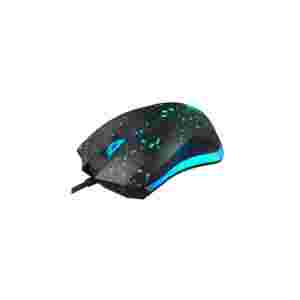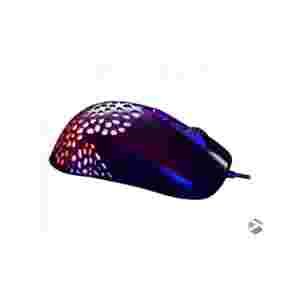




2.4G+Bluetooth operationinstructions( Dual mode Version)
Bluetooth mode:
Push the bottom right switch up,the Bluetooth mode.
Receiver mode:
Push the bottom right switch down, this is, the receiver mode.
IPad use instructions :
1:Update to IOS 13 system.
2.After the system is updated, open Setting – Accessibility – Touch – Assist Touch- Open
3. Move the mouse to Bluetooth pairing mode, open the phone or table, search for pairing
Mouse Fantech USB Gaming (X17 Blake) Negro
RD$1,950.00
POWER SUPPLY XCON 500Wats 24PINES NUEVO
RD$3,500.00
Productos relacionados